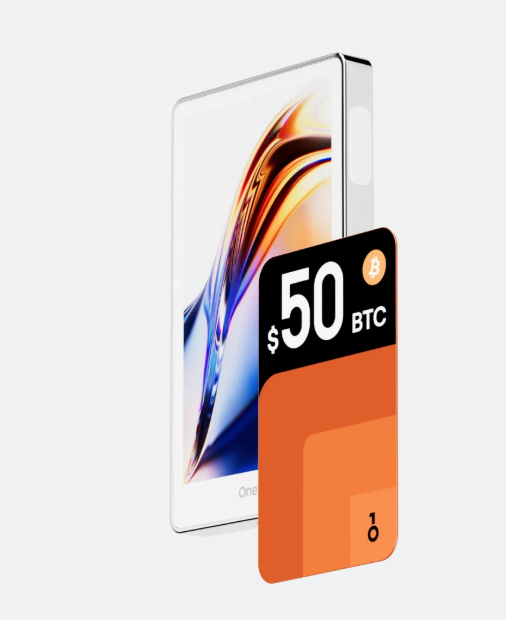
OneKey App
Use OneKey App to view BNB accounts, manage BEP-20 assets, connect dApps and prepare transactions.
Download app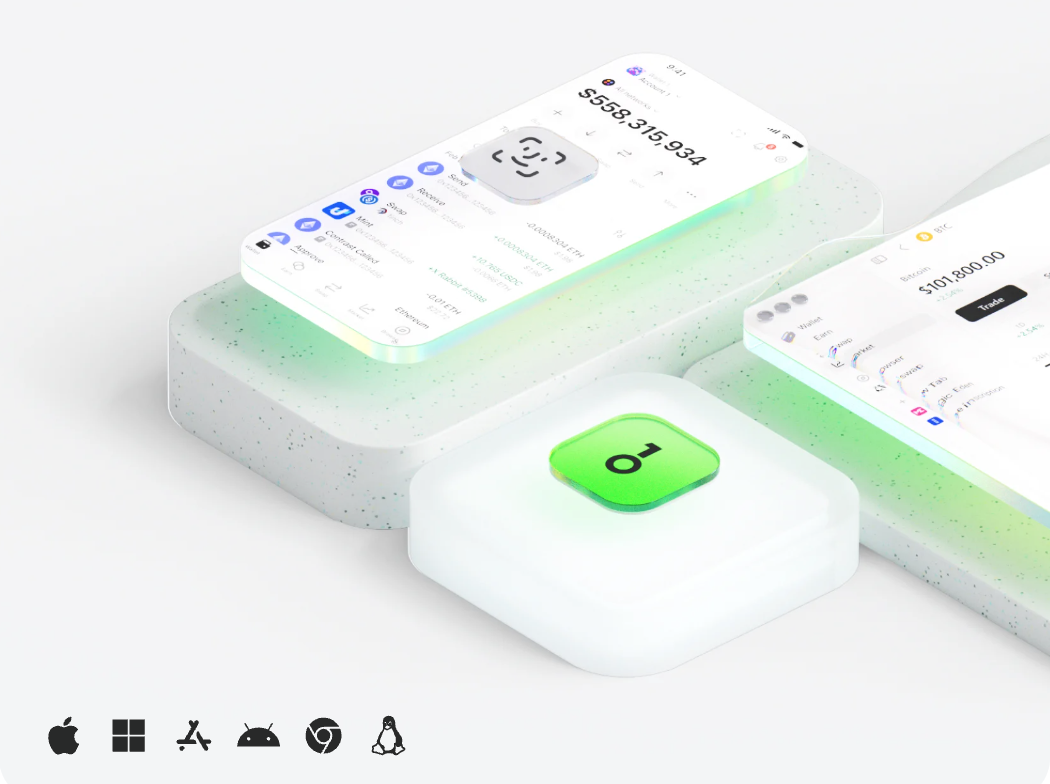

BNB
OneKey helps users manage BNB and BNB Chain assets through the OneKey App and compatible hardware wallets. You can view accounts, receive and send BNB, manage BEP-20 tokens, connect Web3 apps and confirm key actions on device.
Use OneKey App to view BNB accounts, manage BEP-20 assets, connect dApps and prepare transactions.
Download app
Hardware wallets for BNB, BEP-20 tokens, dApp approvals and long-term self-custody workflows.
View products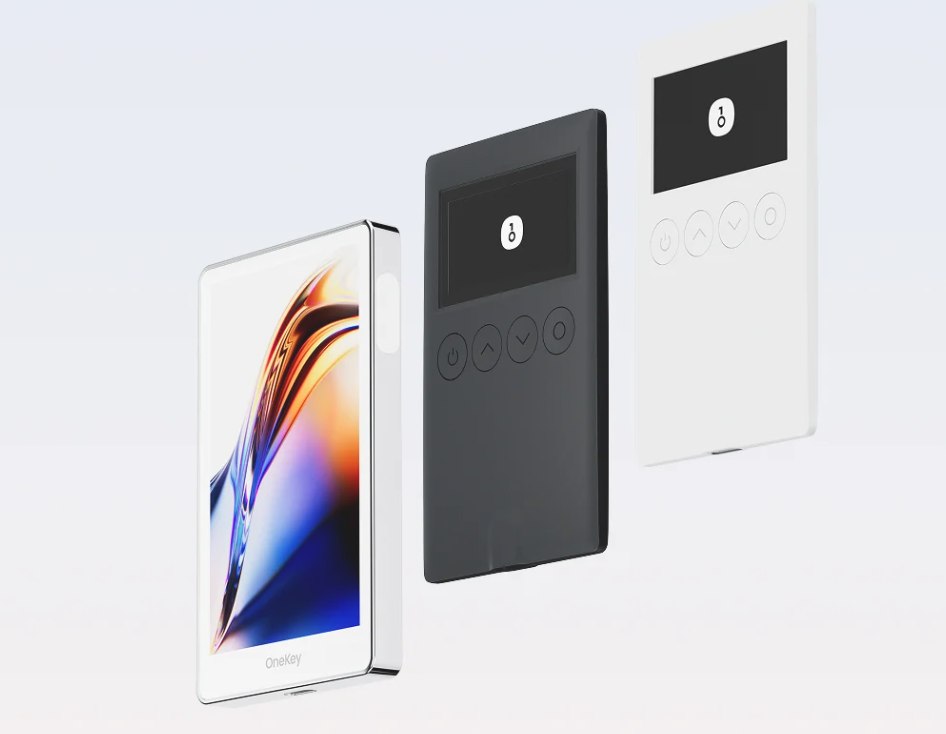
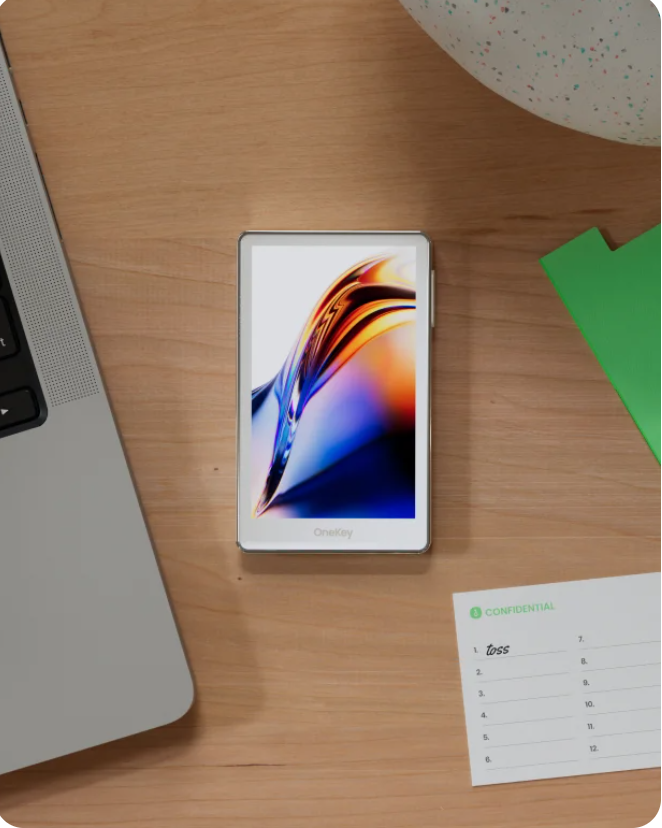
OneKey is built for self-custody users who want to manage BNB accounts, addresses and transaction confirmation with a clearer wallet workflow.
Self-custody gives users more control over BNB accounts, BEP-20 tokens and Web3 approvals. OneKey helps keep that workflow clear across the app and hardware wallet.
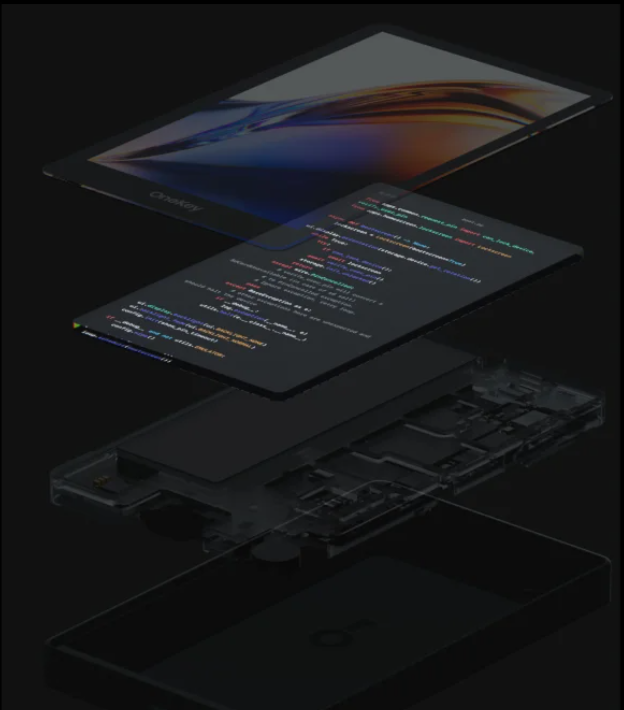
OneKey follows an open-source product approach, allowing users, developers and the community to better understand wallet implementation and device workflows.
Transparent development helps BNB Chain users evaluate product direction, compatibility and wallet workflows over time.
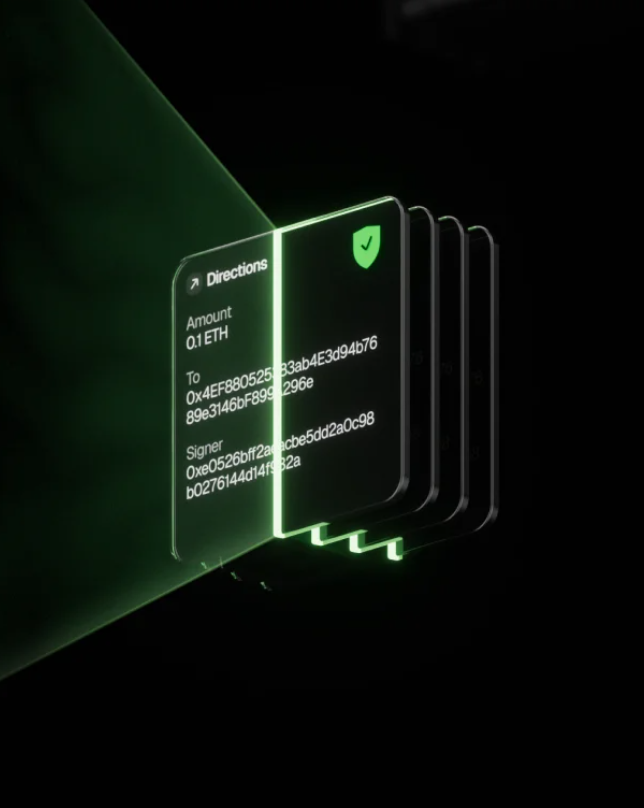
When interacting with BNB Chain dApps, OneKey helps users review transaction details, approvals, addresses and network information before confirmation.
The OneKey App and hardware wallet work together to make BEP-20 transfers and dApp approvals easier to review, especially for active BNB Chain users.

Use OneKey Help Center, product guides and app updates to learn more about BNB account setup, device connection and wallet workflows.
Users can refer to product guides and support content when they need help with device setup, recovery workflows, app downloads or compatibility.
If you already manage BNB in another wallet, you can choose a compatible import, recovery or hardware wallet setup path and continue managing accounts in OneKey App.
Common questions about BNB wallets, BNB Chain, BEP-20 tokens, OneKey App and hardware wallet confirmation.
BNB is the core asset of the BNB Chain ecosystem. It is commonly used for network fees, transfers, staking and Web3 application interactions.
Yes. A hardware wallet is well suited for BNB management because important transfers and approvals can be reviewed and confirmed on a dedicated device.
Yes. OneKey App can help users view BNB accounts, manage BEP-20 tokens, prepare transactions and connect to OneKey hardware wallets.
Yes. Users can view a BNB address, receive assets, prepare a send transaction and use a hardware wallet for on-device confirmation when supported.
Yes. Depending on your current wallet type, you can use a compatible recovery flow or transfer BNB to a OneKey-managed address.
Yes. OneKey App and hardware wallets are suitable for users who want to manage BNB accounts, review addresses and keep a structured long-term self-custody workflow.
This page highlights BNB Smart Chain, opBNB, BNB Beacon Chain and Greenfield. Actual support may vary by app version, firmware and network integration.
This page highlights BNB Smart Chain, opBNB, BNB Beacon Chain and Greenfield. Actual support may vary by app version, firmware and network integration.