Desktop
Download now
macOS
Use OneKey on macOS to connect a hardware wallet, manage crypto assets, and review transaction details.
Choose the version that fits your device and wallet workflow, then connect your OneKey hardware wallet when needed.
Use OneKey on macOS to connect a hardware wallet, manage crypto assets, and review transaction details.
Use OneKey on Windows for desktop wallet management, account review, device connection, and transaction preparation.
Use OneKey on iPhone to view assets, prepare transfers, and work with supported hardware wallet flows.
Use OneKey on Android for mobile wallet management, asset viewing, transfers, and supported device workflows.
Use OneKey on Linux desktop environments for asset management, device connection, and transaction workflows.
Use the browser extension to connect Web3 apps, review requests, and manage browser-based wallet interactions.
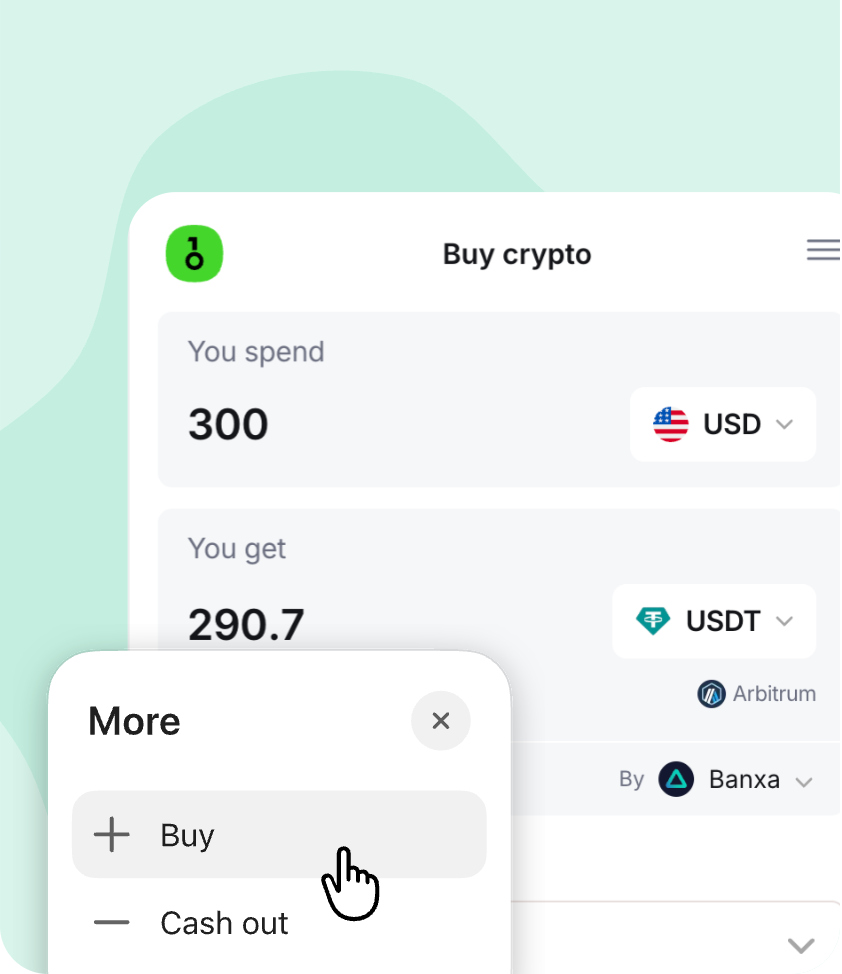
Access asset viewing, buying, selling, and core wallet actions from a single OneKey App experience.
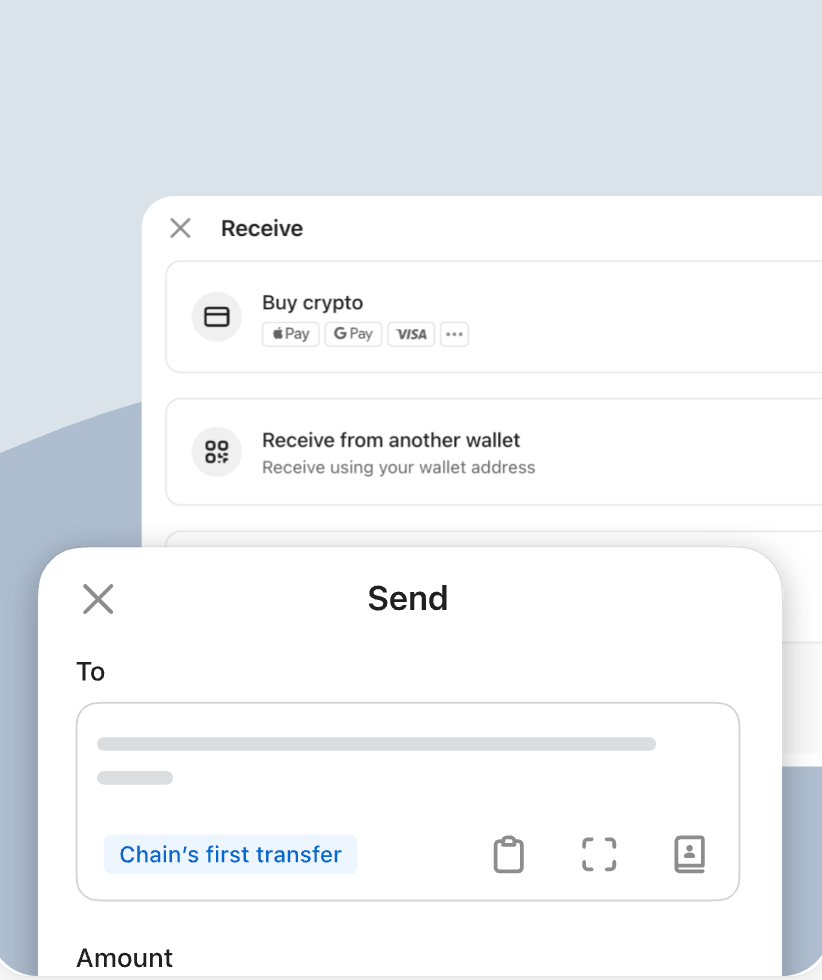
Review addresses, networks, amounts, and fees before sending or receiving crypto across supported networks.
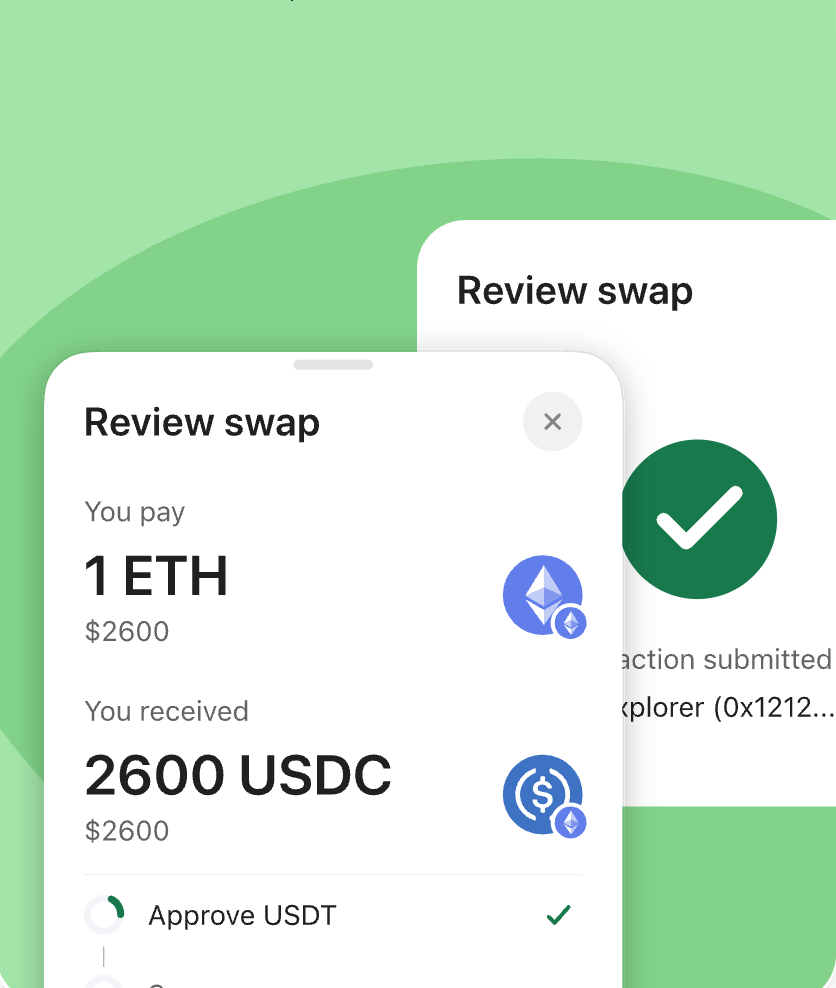
Compare available swap routes and quotes before confirming a token exchange in the wallet.
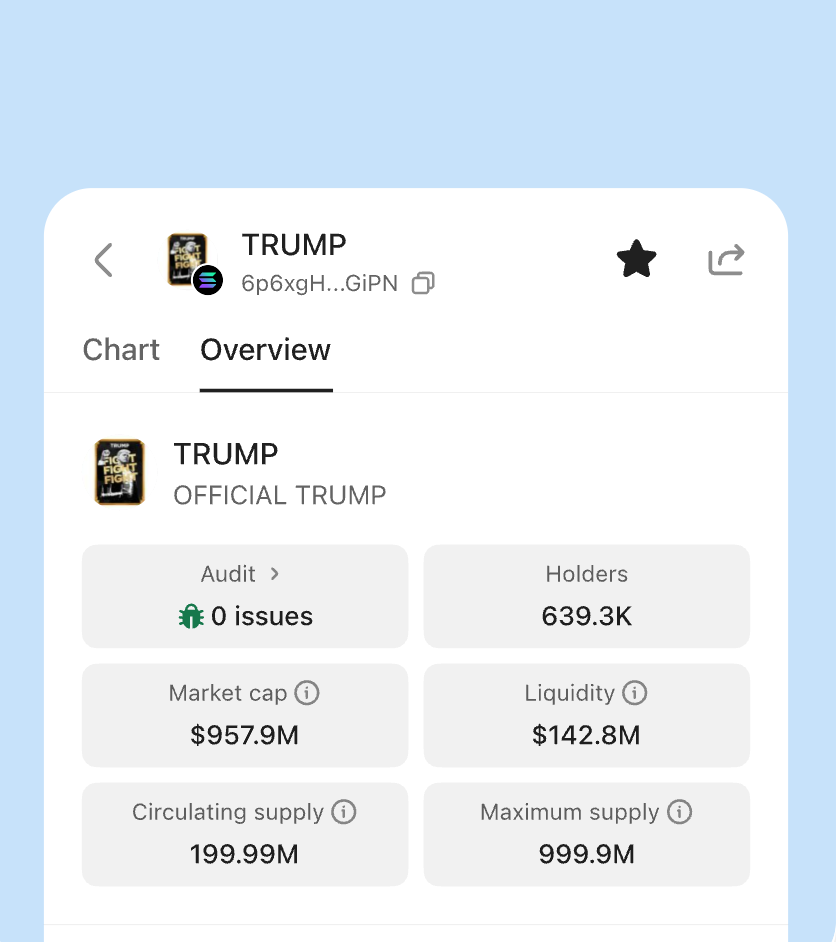
View market movement, portfolio status, and asset activity in one wallet interface.
Review staking entries, asset status, and yield-related information from the same app experience.
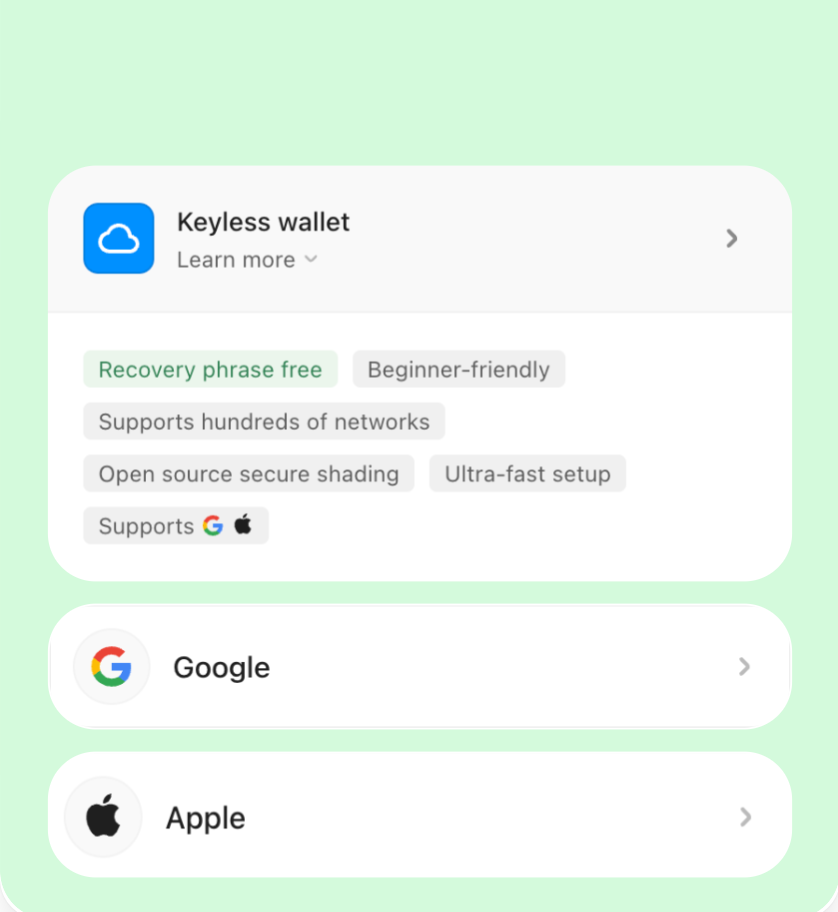
Provide a friendlier onboarding path for supported account flows while keeping wallet management clear for new users.
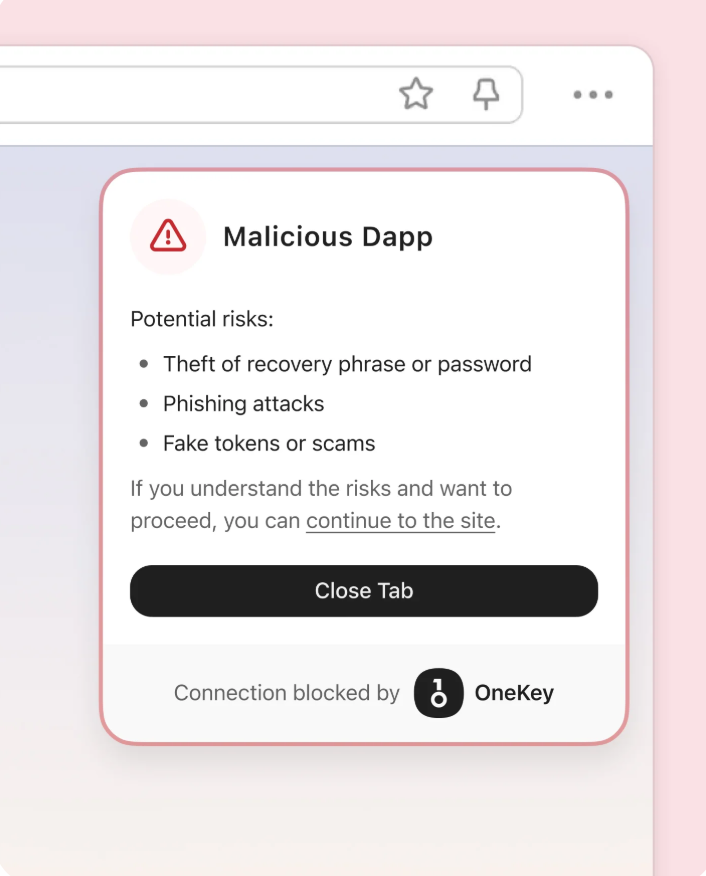
OneKey helps users review Web3 page interactions before continuing with wallet connection or approval requests.
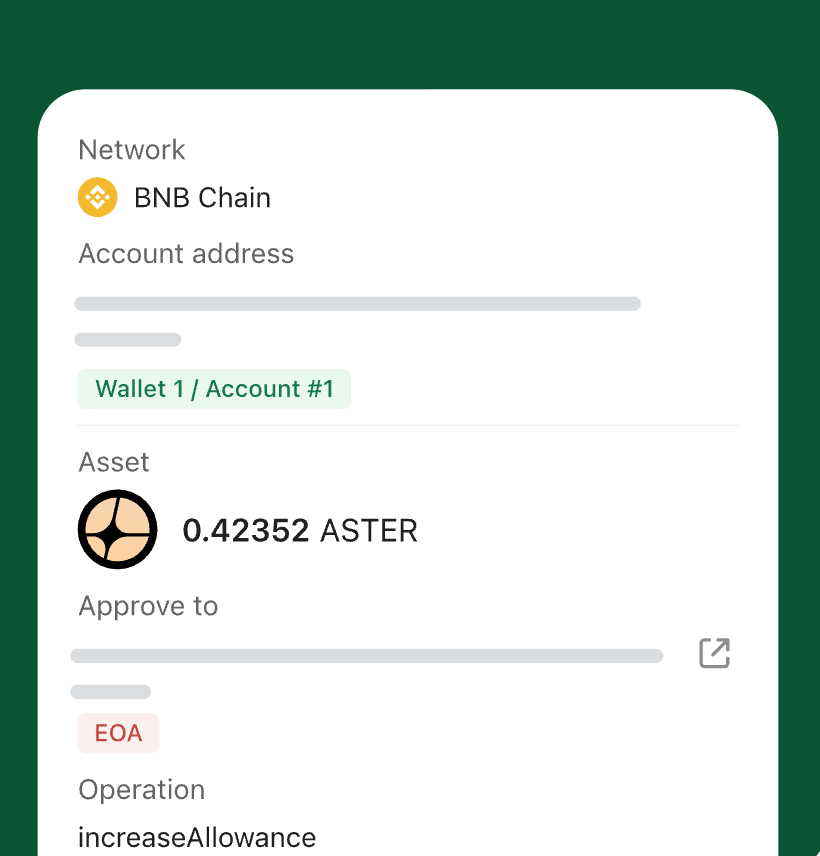
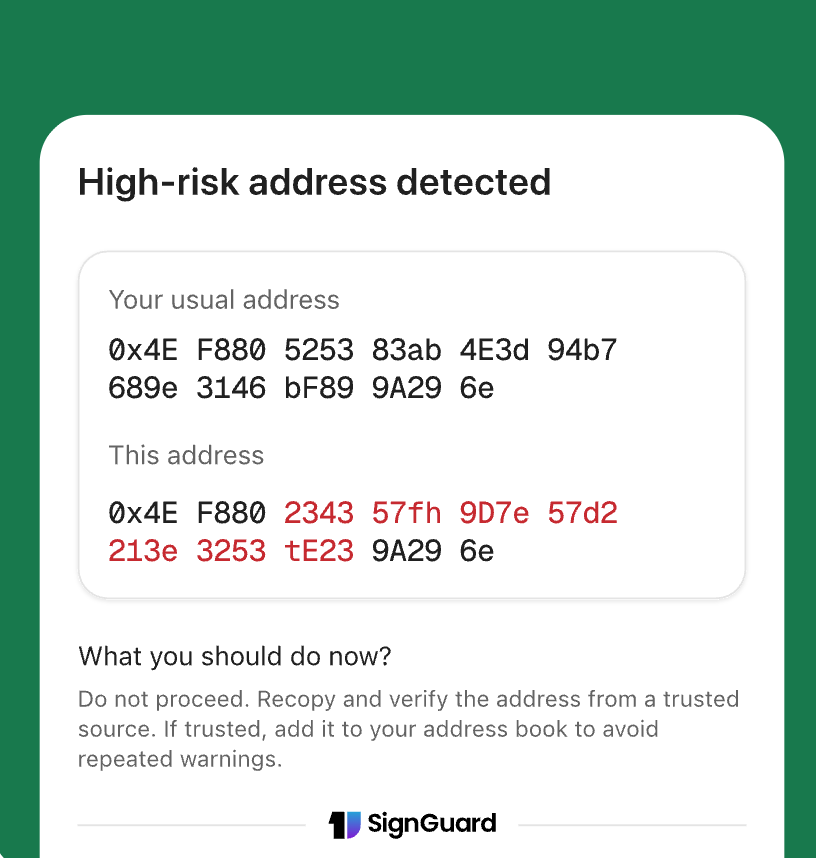
Review key transaction details such as address, amount, network, and approval content before confirming.
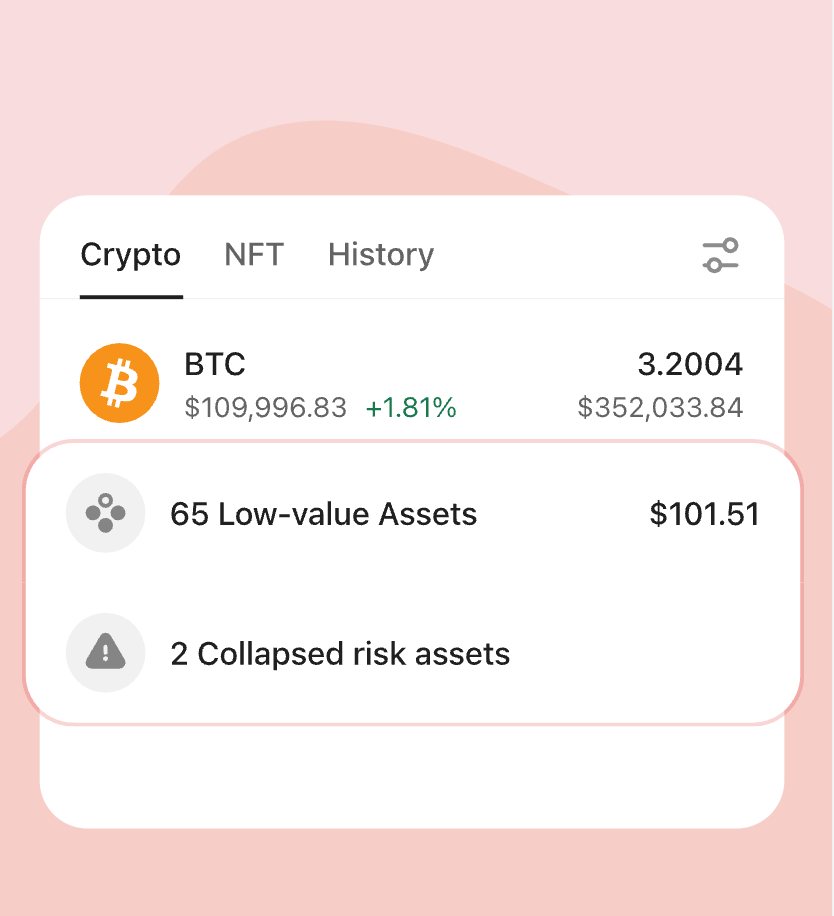
Organize token lists and reduce distractions from assets you do not actively manage.
Use supported routing and preview information to better understand swap execution before confirmation.
Add an app-level lock before key wallet actions and sensitive screens.
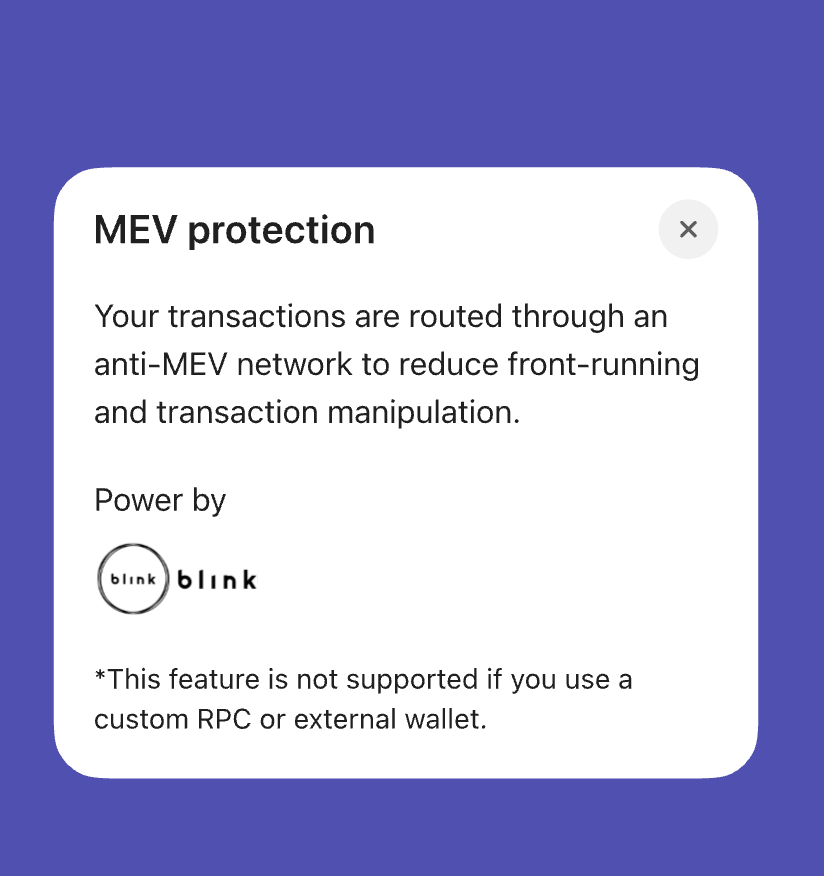
Save frequently used addresses as trusted contacts to make routine transfers easier to review.
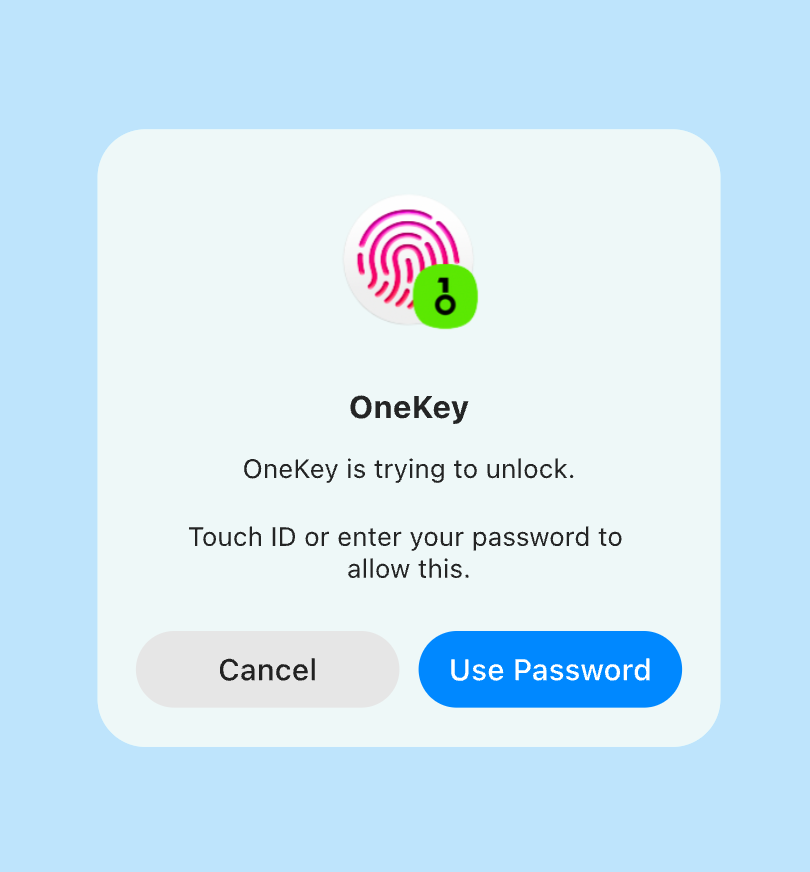
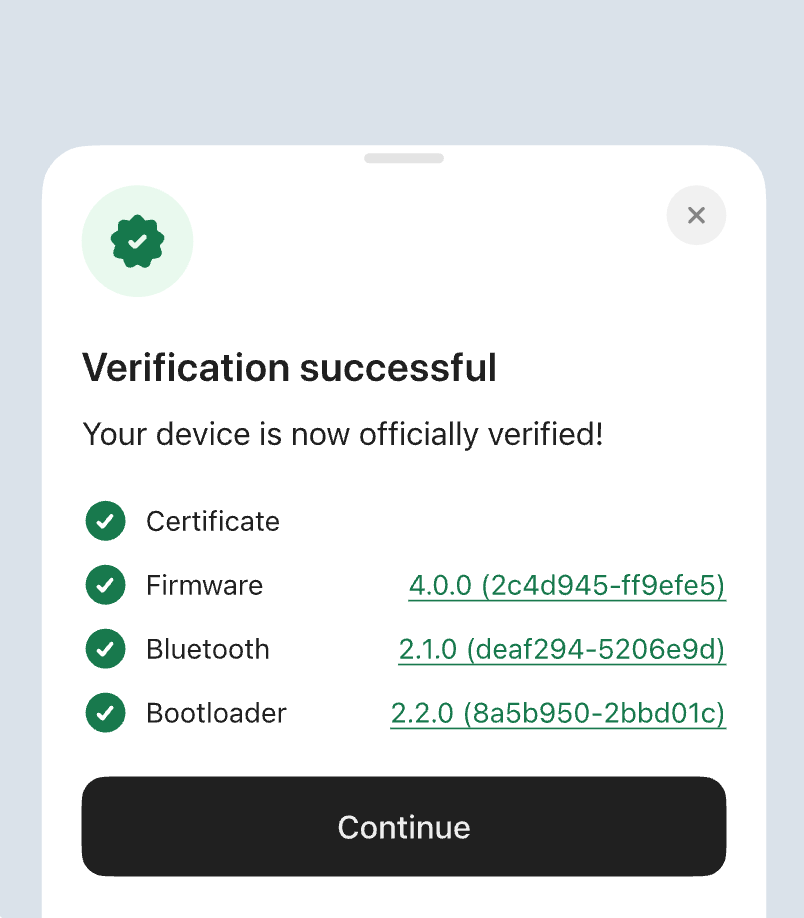
Use a connected OneKey hardware wallet to confirm key actions on a dedicated device.
Review visually similar addresses before sending assets to reduce avoidable transfer mistakes.
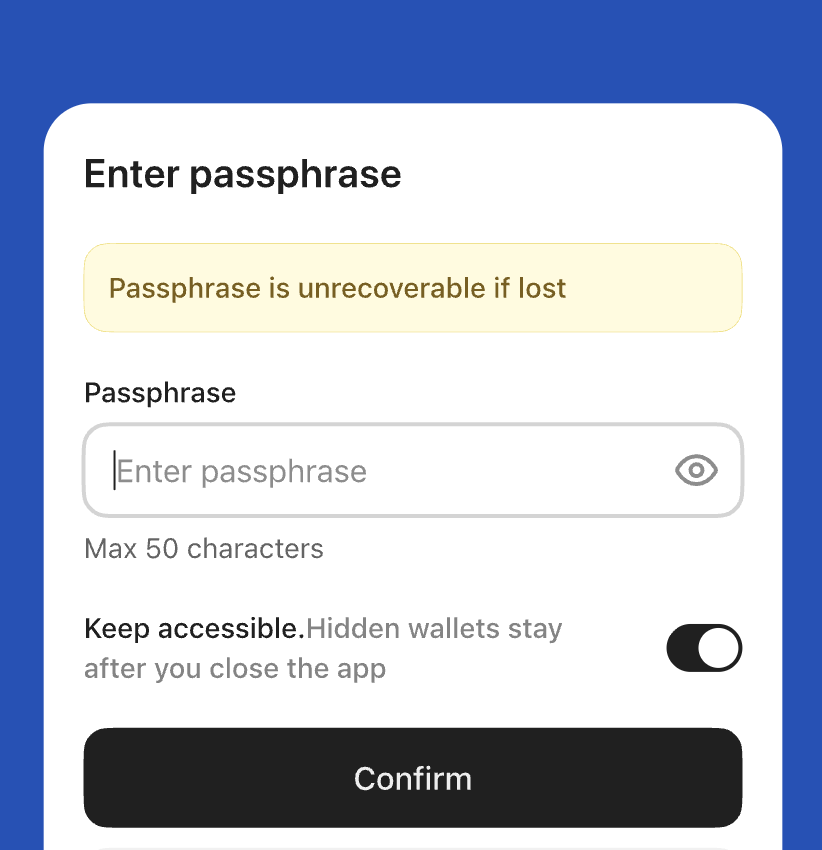
Use separated wallet views for users who prefer distinct account layers for different asset workflows.
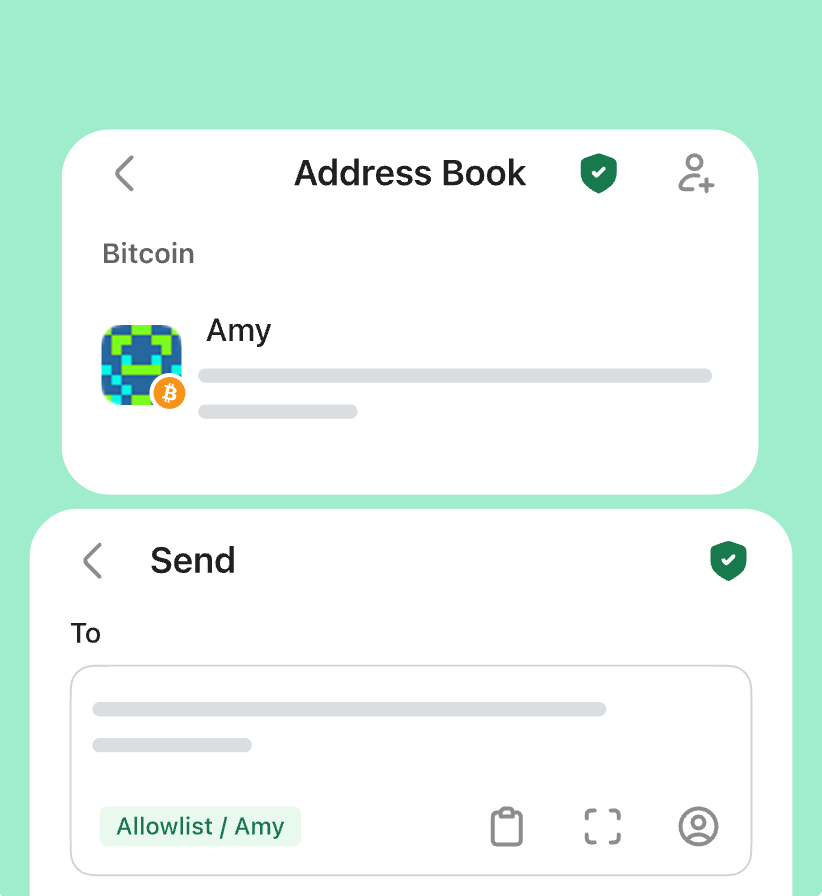
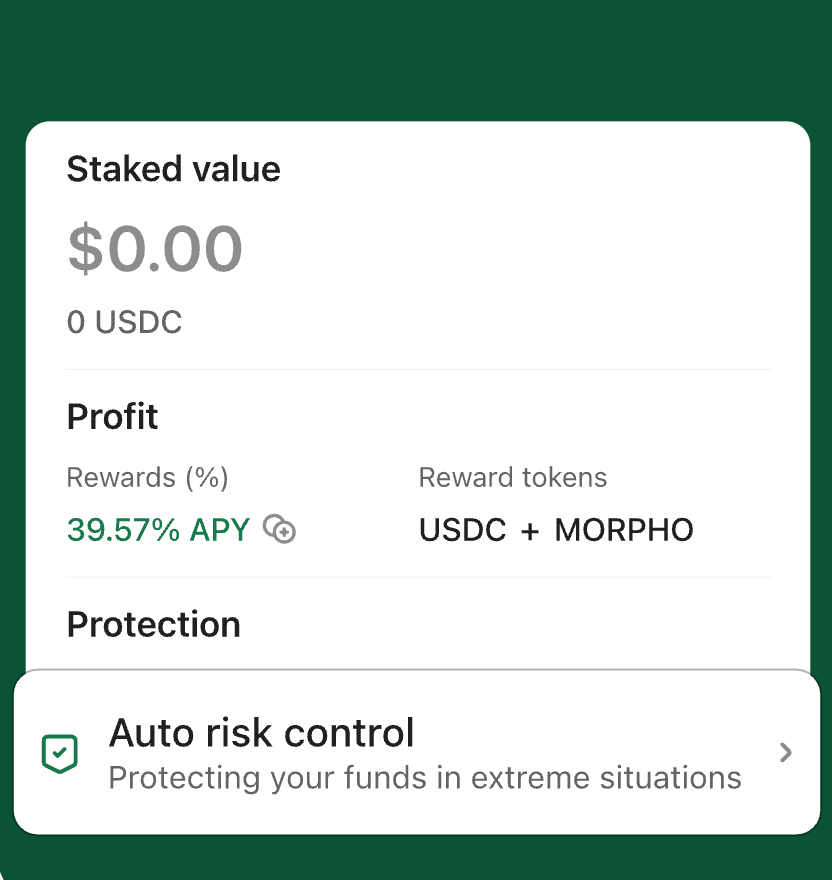
Review staking information, estimated yield details, and related prompts before taking action.



















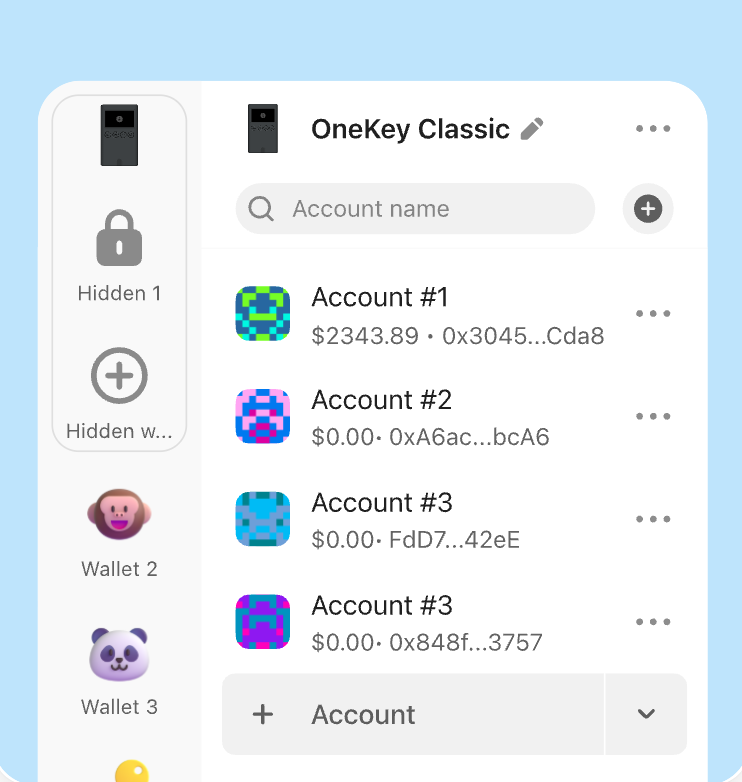
Bring accounts, wallets, and asset views into one app to reduce switching between tools.
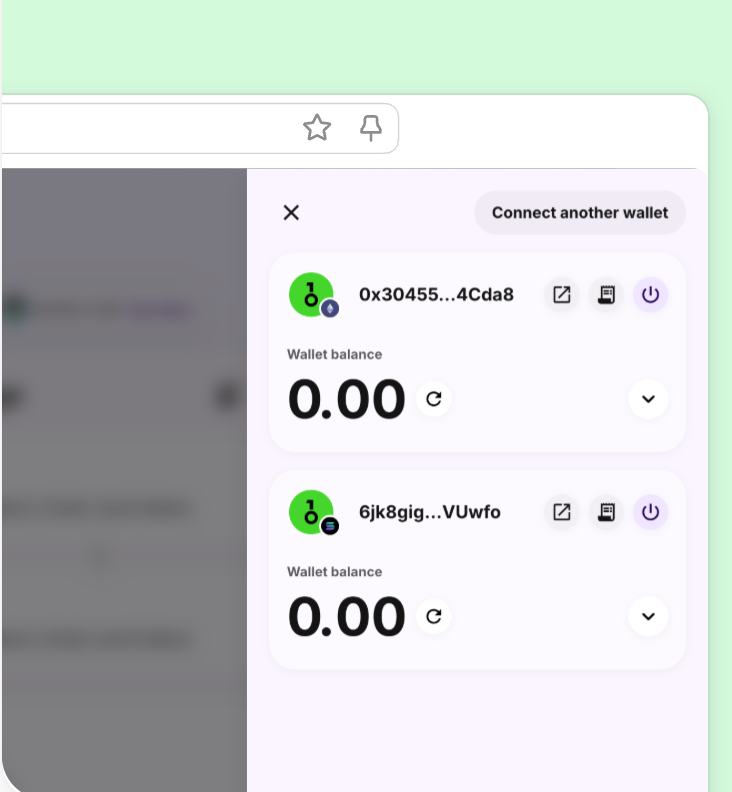
Connect Web3 apps across supported networks and review signing, approval, and asset interaction requests.
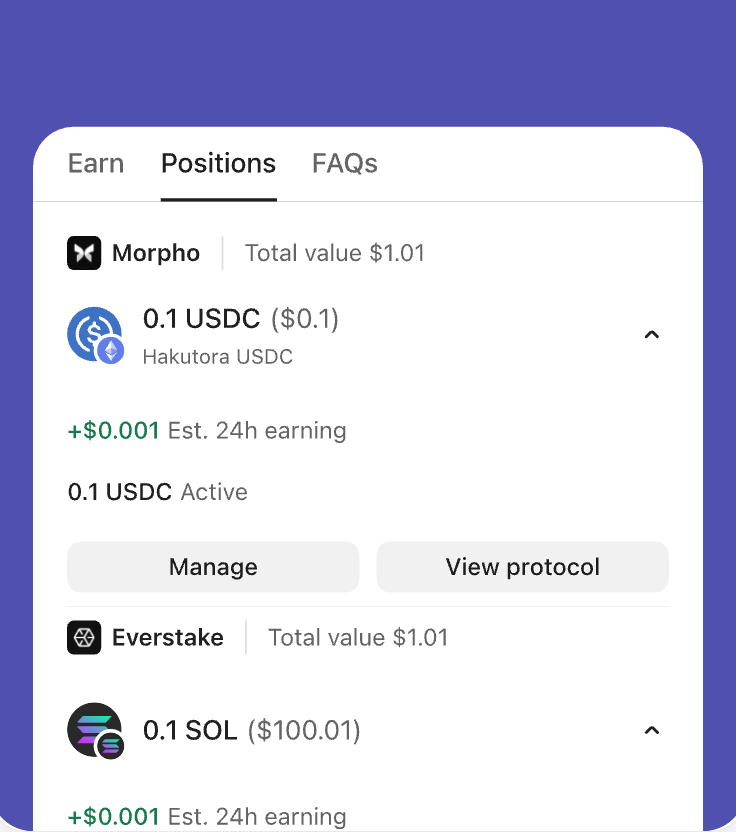
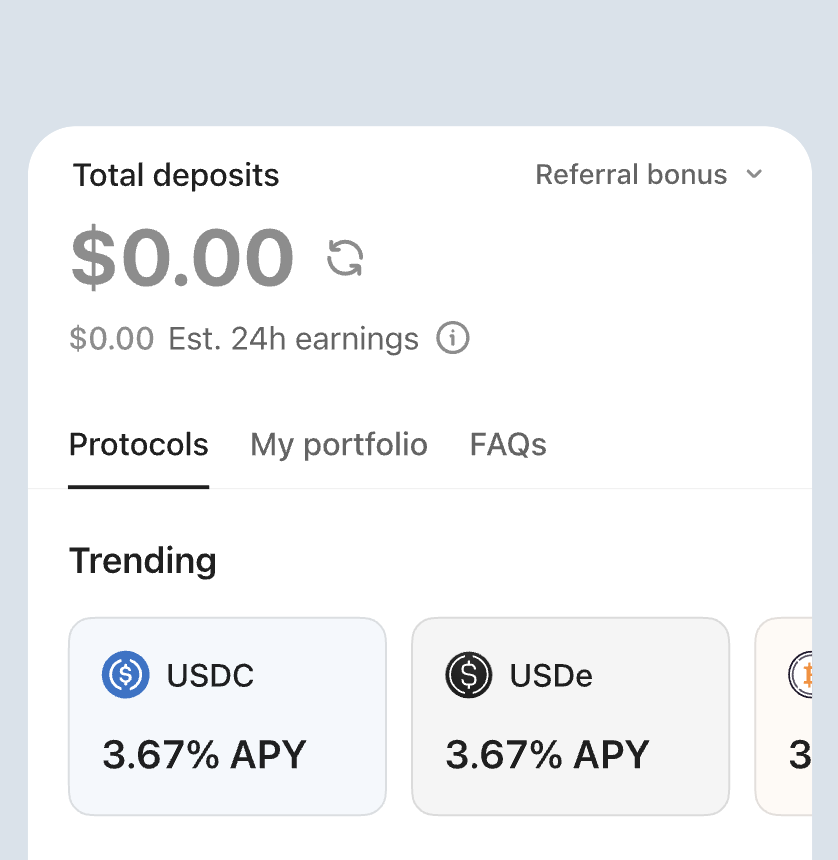
Bring yield views, protocol entry points, and relevant asset data into one wallet experience.
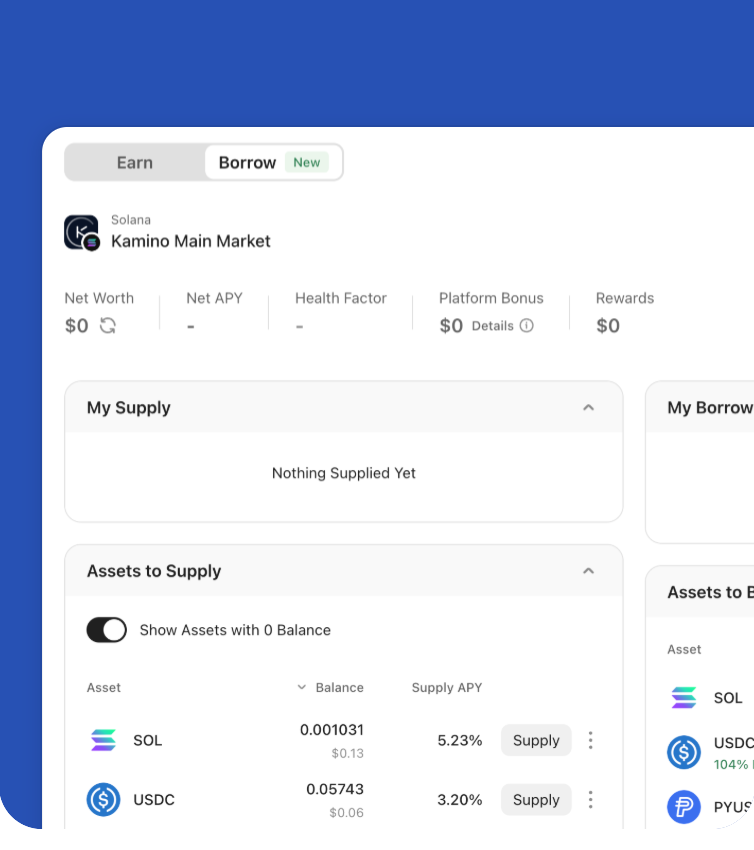
Support users who want to hold assets while keeping access to liquidity-related wallet actions.
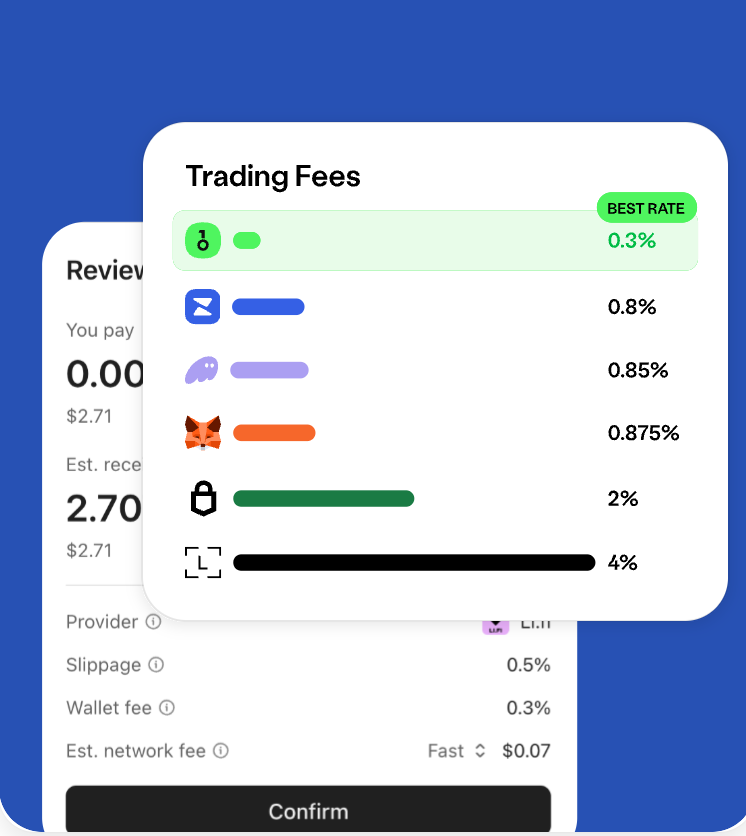
Review fees, route details, and key transaction information before submitting a wallet action.
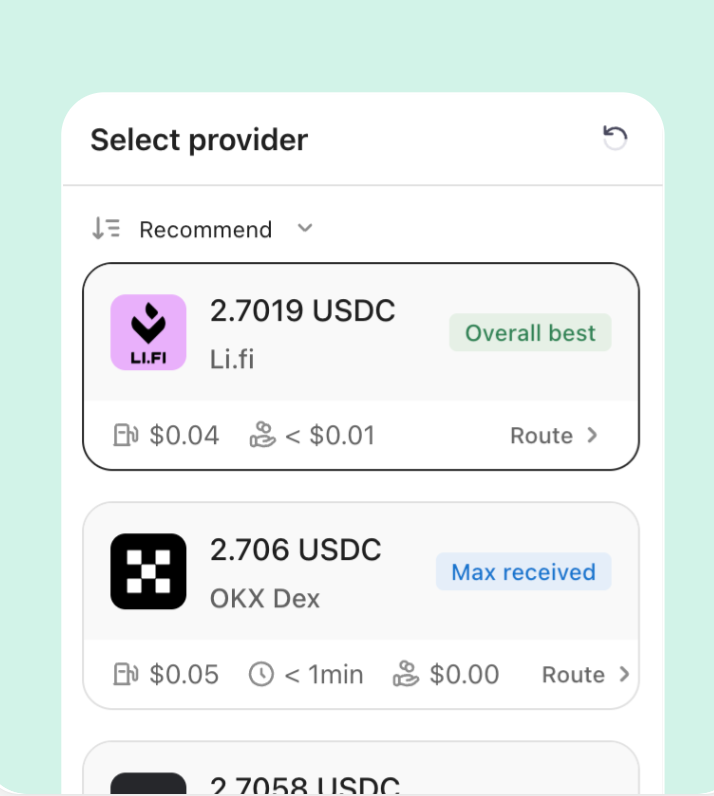
Compare available swap routes based on price, path, and execution details before confirming.
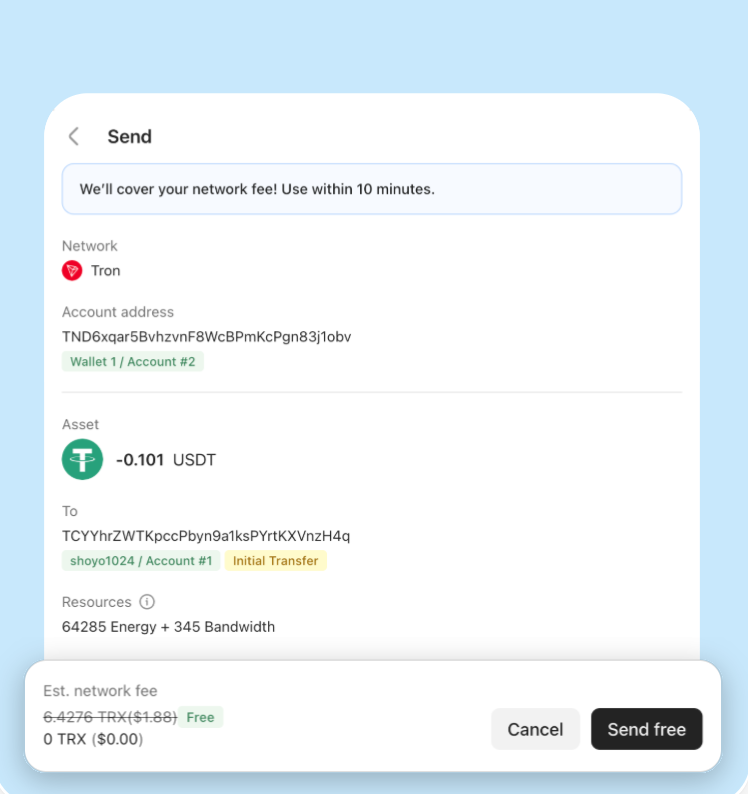
Use available TRON Energy in supported scenarios to improve the cost experience for transfers and on-chain actions.
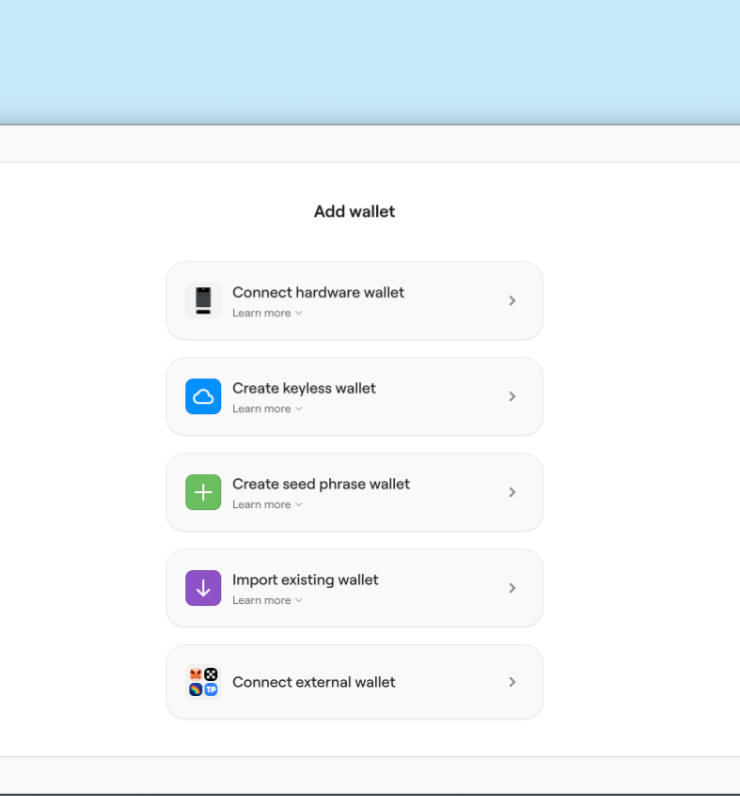
Enter supported trading flows from the wallet interface with fewer steps between account review and execution.
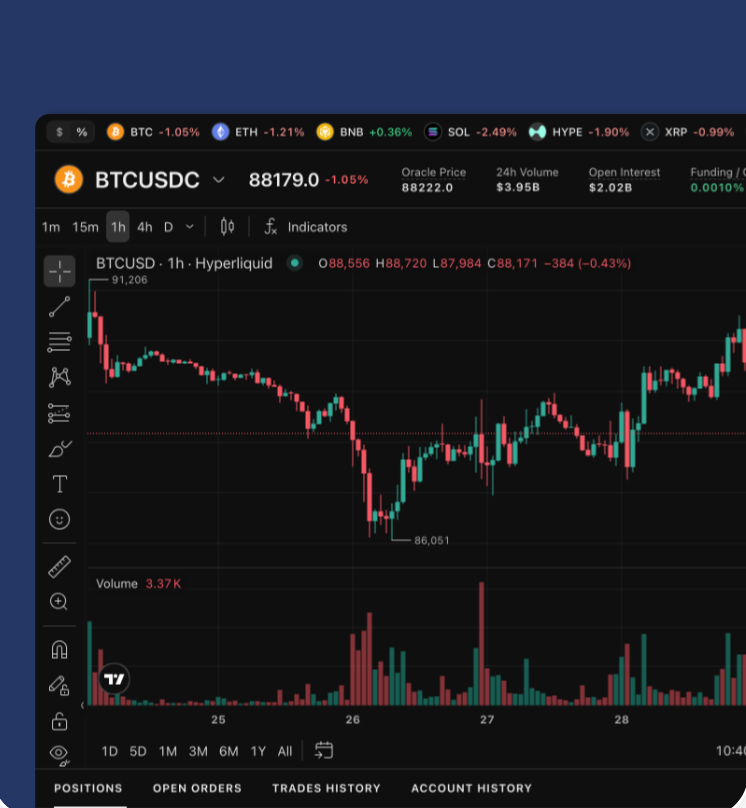
Use an interface designed for active market viewing, order preparation, and faster execution workflows.
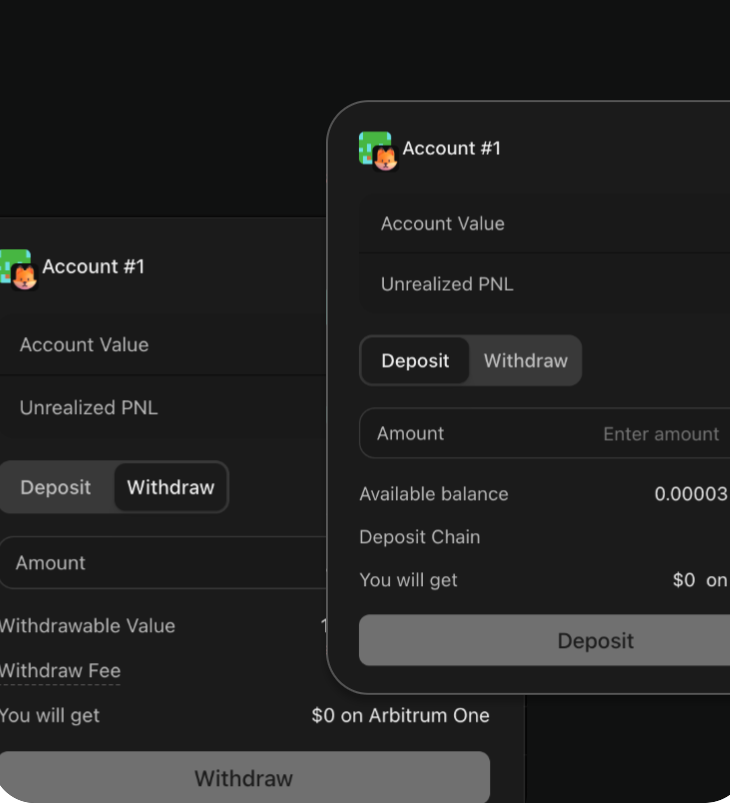
Keep self-custody as the foundation while using wallet-connected trading tools where supported.
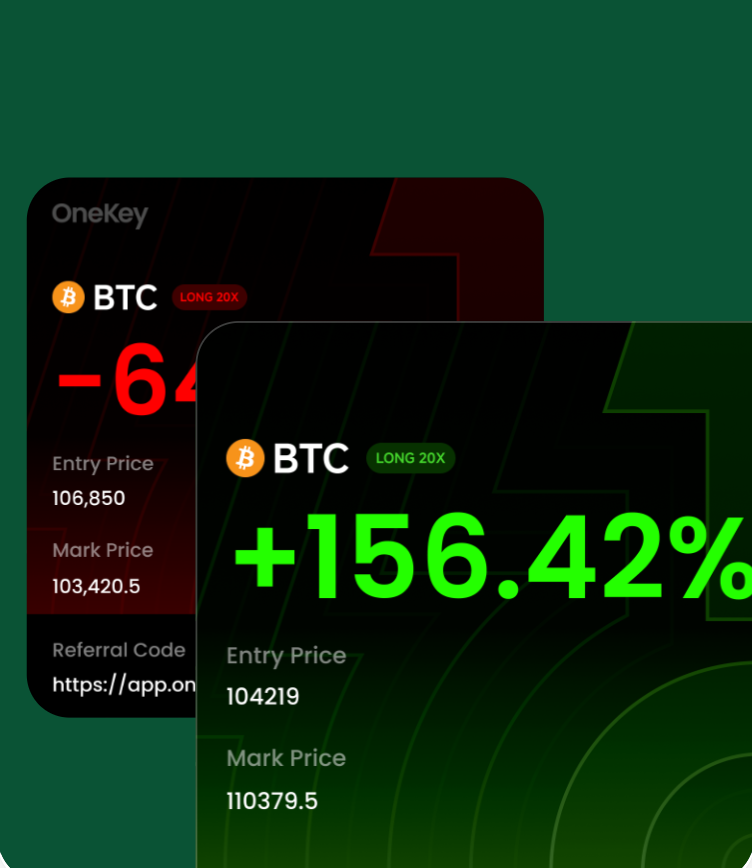
Share OneKey with others through referral programs and reward-related campaigns when available.
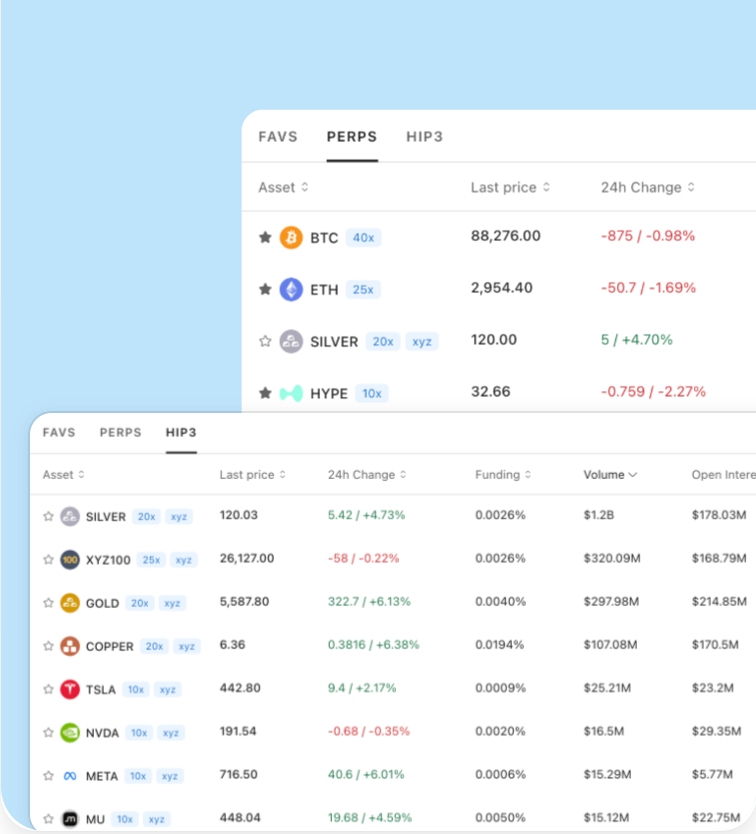
Keep account status, wallet access, and supported trading actions closer together in the app.
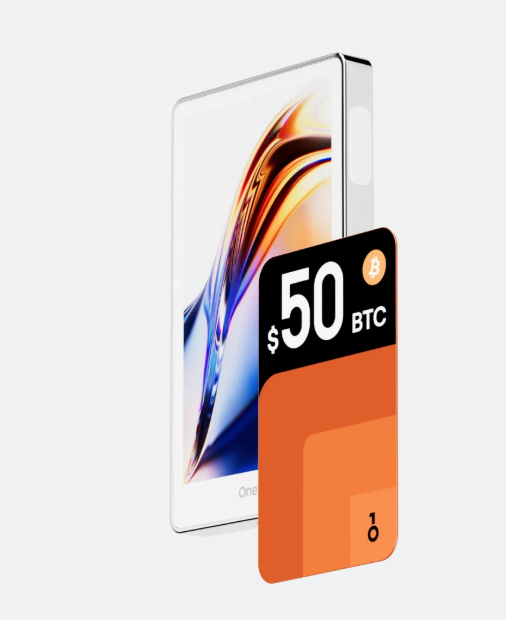
A flagship hardware wallet for clear transaction confirmation and daily crypto management.
OneKey Pro pairs with the app for account review, transaction preparation, and clear on-device confirmation.
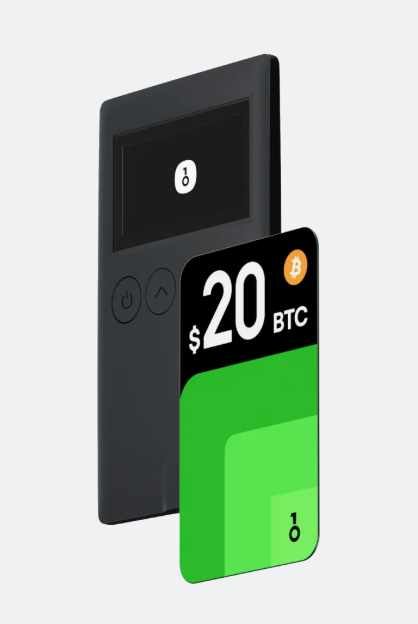
A compact hardware wallet for everyday self-custody and broad wallet workflows.
Classic 1S works well for users who want a compact device connected with OneKey App workflows.
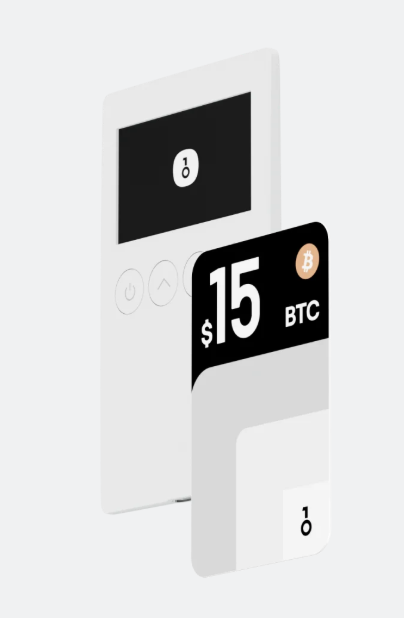
A battery-free BTC-focused hardware wallet option.
Classic 1S Pure is suited for users who prefer a focused BTC-only self-custody experience.
Common questions about the OneKey App, supported platforms, hardware wallet connection, and setup.
The OneKey App helps users view assets, connect hardware wallets, prepare transactions, manage accounts, and connect Web3 apps.
Yes. The OneKey App can support software wallet workflows, and it can also pair with OneKey hardware wallets for device confirmation.
If your recovery phrase is complete and available, you can usually restore the wallet on another compatible device and continue managing the same accounts.
Users can review OneKey repositories and developer resources to learn more about open-source components and product development.